Query Your Markdown Graph [[guide_query: HowTo]]HowTo
- goalquery your workspace graph with SQL
- audiencedeveloper
- prerequisitesBuild a Small Workspace
- outcomeSQL queries returning objects and edges from your workspace
- aboutWorkspace, Reference, Object
🤖 Content Generator
Prompt [[guide_query_gen_prompt: text]]textCLI CLI 84%Query Command 82%Guides Namespace 82%
Write a guide: "How to query your QMDC workspace with SQL."
Cover:
- Parse a workspace:
qmdc workspace parse ./my-project - Run a query:
qmdc query ./my-project "SELECT __id, __kind FROM objects" - Available tables:
objects(all objects) andedges(all references) - Useful queries:
- Find all objects of a type:
WHERE __kind = 'Module' - Find what references an object:
SELECT source_id FROM edges WHERE target_id = 'X' - Count objects by type:
GROUP BY __kind - Find objects in a file:
WHERE __file = 'path/to/file.qmd.md' - JSON output:
--format json
Show real examples with realistic output. Make it copy-pasteable. End with: "For the full list of CLI commands, see the CLI Reference page."
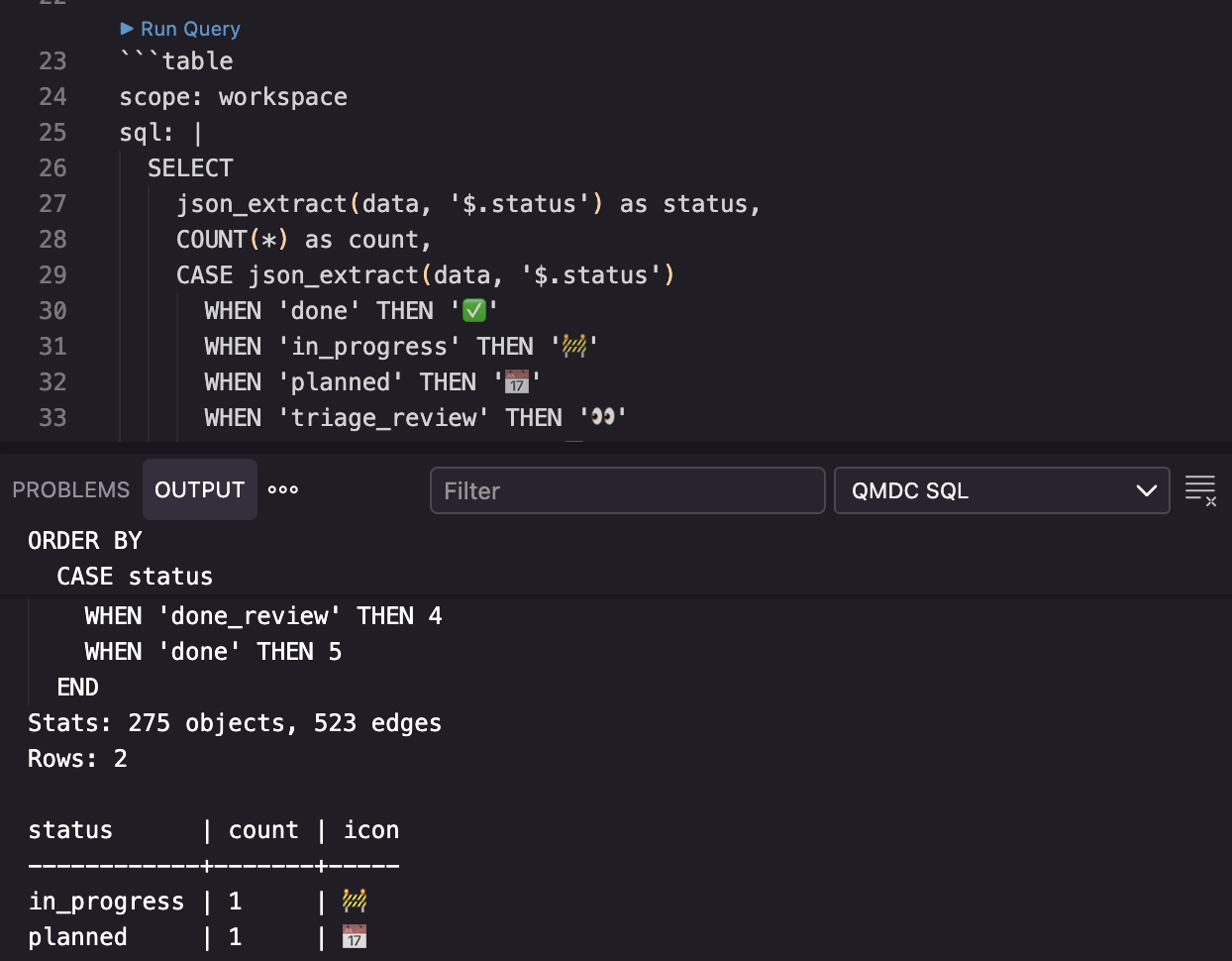
After the "Run a query" section, embed this screenshot (plain ![](), no attributes):

Every Object and Reference in your QMDC Workspace becomes a row you can filter, join, and aggregate with SQL.
Parse a workspace
Index your project directory into a queryable graph:
qmdc workspace parse ./my-project
This scans all .qmd.md files, resolves cross-file references, and builds the graph. Each object gets __file and __line metadata so you can trace results back to source.
Run a query
Use qmdc query with a SQL statement:
qmdc query ./my-project "SELECT __id, __kind FROM objects"
Output:
__id            | __kind
----------------|----------
users           | Table
orders          | Table
gateway         | Service
user_service    | Service
alice           | User
Available tables
The query engine exposes two tables:
objects— every object in the workspace. Columns:__id,__label,__kind,__file,__line,__global_id, anddata(all fields as JSON).edges— every reference between objects. Columns:source_id,target_id,edge_type,source_field.
The edge_type comes from the field name where the reference appears. For example, - depends: [[#auth]] produces an edge with edge_type = 'depends'.
Useful queries
Find all objects of a type:
qmdc query ./my-project "SELECT __id, __label FROM objects WHERE __kind = 'Module'"
Find what references an object:
qmdc query ./my-project "SELECT source_id, edge_type FROM edges WHERE target_id = 'users'"
source_id    | edge_type
-------------|----------
orders       | depends
gateway      | target
Count objects by type:
qmdc query ./my-project "SELECT __kind, COUNT(*) as count FROM objects GROUP BY __kind"
__kind    | count
----------|------
Table     | 5
Service   | 3
User      | 12
Route     | 8
Find objects in a specific file:
qmdc query ./my-project "SELECT __id, __kind FROM objects WHERE __file = 'api/endpoints.qmd.md'"
Find all outgoing references from an object:
qmdc query ./my-project "SELECT target_id, edge_type FROM edges WHERE source_id = 'gateway'"
JSON output
Add --format json for machine-readable output:
qmdc query ./my-project "SELECT __id, __kind FROM objects WHERE __kind = 'Service'" --format json
{
  "columns": ["__id", "__kind"],
  "rows": [
    ["gateway", "Service"],
    ["user_service", "Service"],
    ["payment_service", "Service"]
  ]
}
Pipe into jq for further processing, or feed directly into scripts and agents.
Combining tables with JOIN
Join objects and edges to get human-readable relationship data:
qmdc query ./my-project \
  "SELECT s.__id, e.edge_type, t.__id FROM edges e
   JOIN objects s ON e.source_id = s.__global_id
   JOIN objects t ON e.target_id = t.__global_id
   WHERE e.edge_type = 'depends'"
s.__id          | edge_type | t.__id
----------------|-----------|----------
gateway         | depends   | auth
gateway         | depends   | user_service
user_service    | depends   | auth
For the full list of CLI commands, see the Semantic CLI Commands page.